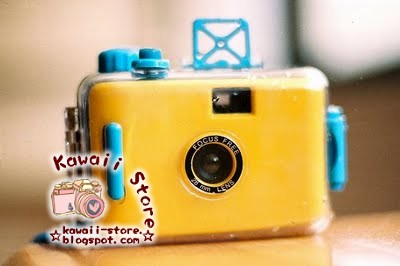
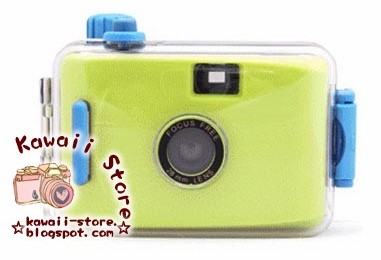
With this in mind, we unveil a product review we've been working on for a while now - whether a LOMO camera is really as cool as everyone says it is, and whether you should buy one too! ;D

The exact product I am reviewing is the VQ1015 Entry - it's priced at RM280 at Kawaii Store. This is a digital camera - not a film camera, which means you can save a lot of money because you don't need to buy any film. All you need is:
- the camera,
- AAA batteries (one battery will last you about 80 photographs), and
- an SD card (a memory card) sized 2GB or less.


How do I use this LOMO camera?
As embarassing as it is to admit, I actually had a very hard time figuring out how to use this camera - because it doesn't come with a manual, see :P Only later did I discover the manual online at the official Vista Quest website! Anyway, now that I've finally figured out the basics, I thought I'd share the step-by-step instructions with you.This is what your camera should look like before you can take any pictures:

Step 1: Give it a brain
Lol, yeah. It needs a memory card, or you'll be clicking away only to realise there are no pictures being taken! Insert the memory card into the SD/memory card slot.

Step 2: Turn it on
Press the thin grey button to turn on the camera. Hold the button down for 3 seconds until the screen comes to life. This is also the button to turn the camera off - hold it down until the screen goes blank.

Step 3: Find the viewfinder
Hold the dotty part and gently slide it outwards so that the viewfinder can pop out. On the screen, you can see the number of pictures you have taken. You can also change the settings, but I'm not enough a tech whiz to figure those out - so I just stick with the basics :P You can, of course, take a video too (which I forgot to do, sorry!), so perhaps I'll save that for the jelly lens review :)

Step 4: Say cheese!
Look through the viewfinder, and press the button at the top of the grey part that has slid out. You should hear "Beep. ... Beep beep." Do NOT move the camera at all until you hear all three beeps, or you'll get a blurry nothing :P

Example of practice making perfect (or close to perfect):


Step 5: Put it on the computer!
There are two ways to transfer the photos or videos you've taken into the computer. One way is to use the cable (the camera comes with a cute little cable, no worries) - the other way is to take the SD card out and plug it into your laptop :)


Show me the money!
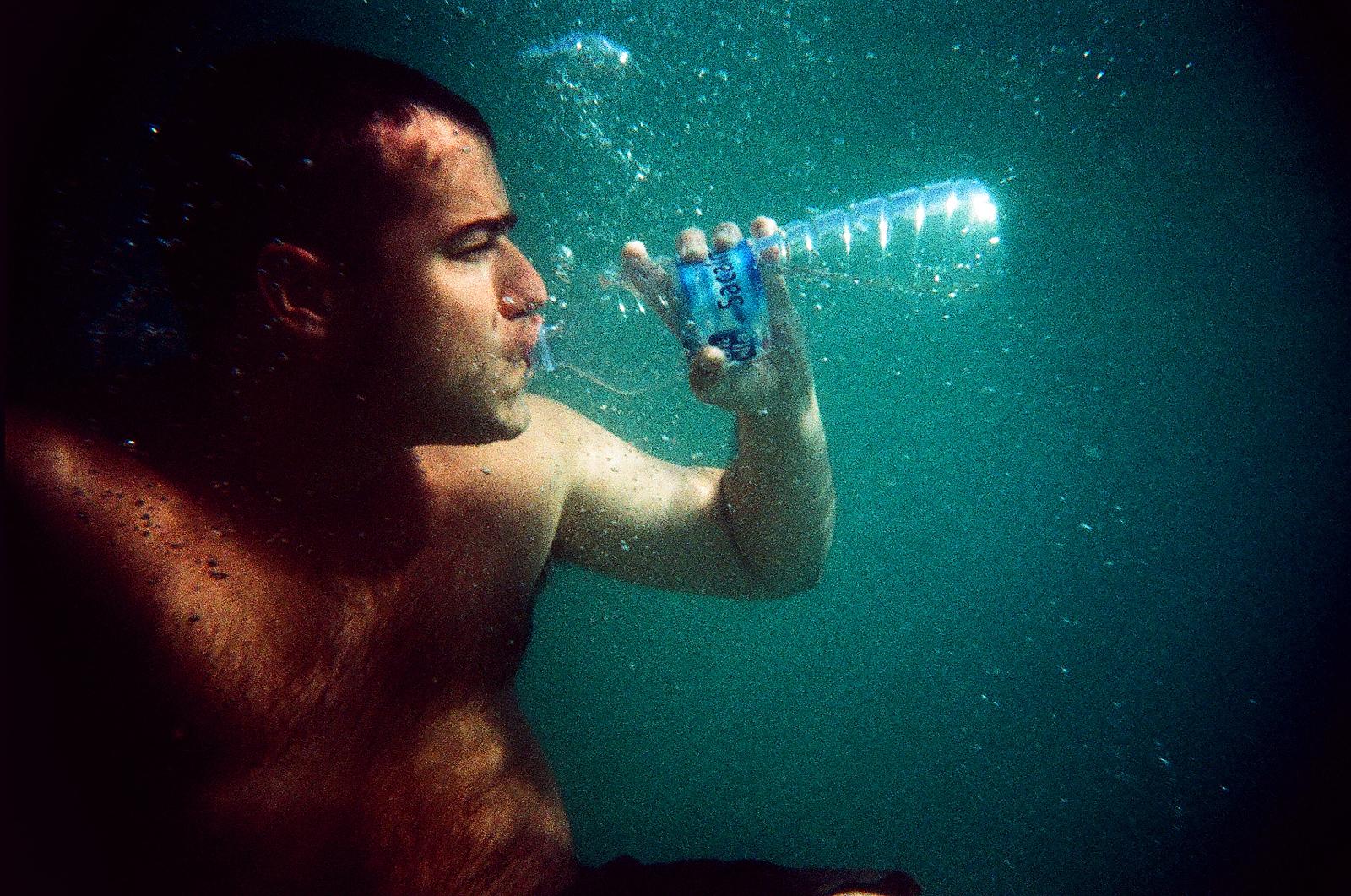
Here are some photographs I've taken with the LOMO camera :D I love the dark corners in the edge of the frame, and how the camera so effortlessly makes everything more artistic :) This is really a great camera for mood pictures and stylistic shots.

Indoors with natural daylight or good lighting:


Outdoors with good natural daylight:


Indoors with non-natural lighting (such as malls):
Note: This does not work as well as outdoors or places with better lighting - I found that the colour of the lens followed whatever the dominant colour in the photo was:


Yeahhh, the Malaysian Mega Sale is going pretty strong in all the malls :P
A final note - just when you think "that's it", owning a LOMO camera is just the beginning of a photography adventure! It's compatible with many, many different lenses to make your photographs that much cooler - jelly lens filters, for starters! :)

But that's a story for another time, because this time round we have ...
Preview Review: Wide+Macro Lens & Fish-Eye Lens
While we're going to save the product review on the immensely popular Jelly Lens filters for September, here's a heads up on some extra-special, super-cool lenses not available in-store yet! :D Think of this as a preview, hehe! You can use them on LOMO cameras and cellphone cameras - and certain digital cameras, as long as the camera lens isn't larger than a certain size (check with Kawaii Store for the specifics).


More product pictures:


How do I use these lenses?
Each lens comes with magnet rings and sticky-tack rings, so if your camera is magnetic you can just use the magnet ring - but if your camera isn't magnetic, then use the sticky-tack ring. Then, just stick it on your camera lens - and snap away! :D
What are these lenses for?
Macro: Widens the frame of your picture to include a bigger "scene".
Fish-eye: Creates the wonderful "fish eye" effect - love it! :D


Does it really work?
Yes! :D At first, I couldn't really see the difference with the LOMO camera, but I could see the obvious difference when I used my cellphone camera. Sadly, I can't use it on my digital camera because my camera lens is too large to fit the macro or fish-eye lens :(Sample photographs, please!


Below are some photographs I took with my cellphone camera - so you have a clearer idea of what the lens does :)
Fish-Eye lens:


Macro lens: See below - picture on the left is without the lens, picture on the right is WITH the lens :D Can you see the big difference? It takes in a much bigger scene of the mess I've made in my room! :P I'm pretty amazed, because I was standing in the exact same position!


All right, you gotta be itching to start shopping now! :D
Or at least start saving up for a LOMO camera, hehe!
Or perhaps one of these lenses - just be sure to check the sizes first!
Either of these products will make greeeeat gifts too ;)
Click HERE to visit Kawaii Store today! :)
Happy Shopping!
Your Shopping Kaki :)
Your Shopping Kaki :)